



Blog & Nieuws
Huis
-
Blog & Nieuws
-
Veelvoorkomende problemen en probleemoplossingsmethoden voor ingebedde weergave modules

Ingebedde weergave modules spelen een belangrijke rol in de huidige elektronische apparatuur. Ze voeden alles van eenvoudige gebruikersinterfaces tot complexe industriële automatiseringsschermen. Vloeiende en betrouwbare prestaties zijn belangrijk. Toch lopen zelfs hoogwaardige modules soms herhaaldelijke problemen op, zoals volledig lege schermen of verkeerde kleuren. Dit artikel behandelt de meest voorkomende problemen waarmee gebruikers worden geconfronteerd ingebouwde display modules en delen eenvoudige, effectieve manieren om ze op te lossen zodat de schermen goed blijven werken.
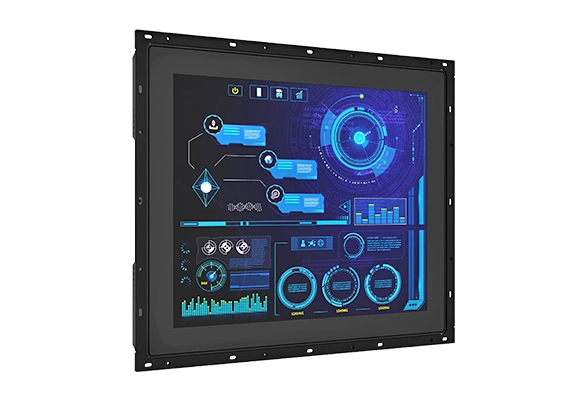
Een leeg scherm of een scherm dat knippert aan en uit is een van de belangrijkste klachten. Het probleem komt meestal van losse draden, slechte verbindingen met het gastbord, verkeerde stroomspanning of schubbende signaalingang. Hier is hoe je het stap voor stap kunt controleren en oplossen:
Kijk eerst naar elke kabel en connector. Zorg ervoor dat lintkabels en board-to-board connectoren stevig op hun plaats zitten.
Test vervolgens de voeding. Het moet exact overeenkomen met de gewenste spanning van de module (bijvoorbeeld een constante 12 V wanneer 12 V nodig is).
Kijk dan goed naar de signaallijnen. Flikkeren gebeurt vaak wanneer video- of interfacesignalen kort uitvallen.
Ten slotte, als kabels, stroom en signalen allemaal goed uitchecken, kan de module zelf beschadigd zijn. In dat geval wordt vervanging noodzakelijk.
Wanneer de module een aanraaklaag heeft, frustreert niets gebruikers meer dan een scherm dat weigert te reageren op vingers. Probeer eerst deze eenvoudige oplossingen:
Veeg het oppervlak voorzichtig af. Vuil, olie of kleverige film kunnen aanrakingsdetectie volledig blokkeren.
Herkalibreer de touchcontroller. Kleine drijven in de loop van de tijd kunnen aanrakingen onjuist of onzichtbaar maken.
Controleer de touchcontrollerkabel (USB, I²C of een ander type) en bevestig dat deze stevig aansluit op het hoofdbord.
Als reiniging, herkalibratie en verbindingen niet helpen, is waarschijnlijk iets binnen mislukt - de aanraaksensor, de controllerchip of de lijmlaag.
Nauwkeurige kleuren zijn belangrijk in medische apparaten, fabrieksmonitoren en digitale borden. Wanneer kleuren uitgewassen of vreemd lijken, doet u het volgende:
Pas de kleurinstellingen zorgvuldig aan. De juiste witbalans en kleurtemperatuur maken een groot verschil.
Test de video- of interfacekabel grondig. Een beschadigde of goedkope kabel kan kleurgegevens gemakkelijk verpesten.
Als de instellingen en kabels goed zijn, maar de kleuren verkeerd blijven, is het scherm of het stuurcircuit waarschijnlijk defect.
Afbeeldingspersistentie gebeurt wanneer een zwakke "spookfoto" zichtbaar blijft, zelfs nadat de inhoud verandert. Sommige weergavetypes lijden hieronder meer dan anderen, maar het kan nog steeds verschijnen op ingebedde modules. Om het risico te verminderen:
Laat nooit dezelfde statische afbeelding uren lang op het scherm. Voeg lichte beweging toe of wissel regelmatig inhoud.
Schakel schermbeveiligers aan. Volledig scherm witte of zwarte patronen van tijd tot tijd helpen even uit pixelslijtage.
Wanneer spookbeelden permanent worden en niet vervagen, is de enige echte oplossing om de hele module te vervangen.
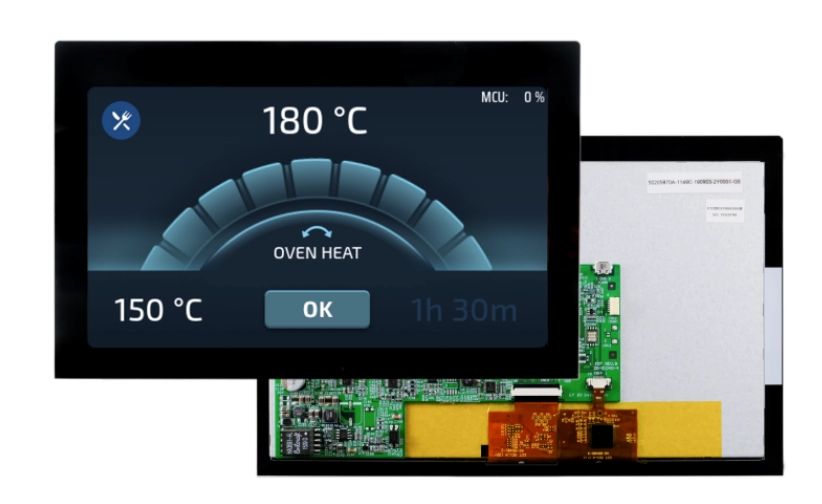
Waag of uitgestrekte afbeeldingen komen bijna altijd van verkeerde resolutie of schaalinstellingen. Fix het zo:
Zorg ervoor dat het systeem draait bij de native resolutie van de module. Controleer de weergave instellingen of driver opties zorgvuldig.
Bevestig dat de aspect ratio en schaling correct zijn. Verkeerde instellingen strekken of drukken de afbeelding slecht.
Update grafische stuurprogramma's of module firmware wanneer updates beschikbaar zijn.
Als alles correct is ingesteld en het beeld er nog steeds slecht uitziet, kan de module die resolutie niet volledig ondersteunen of gewoon niet overeenkomen met de hardware.
Een zeer dim of volledig zwart scherm betekent meestal dat de achtergrondverlichting niet meer werkt. De achtergrondverlichting is vooral belangrijk in LCD-gebaseerde modules. Probeer deze controles:
Controleer of de achtergrondverlichtingsregeling is ingeschakeld en de helderheid is verhoogd tot een normaal niveau via software.
Als de softwarebediening goed werkt, zoek dan naar een mislukte achtergrondverlichtingsdriver of gebroken LED-string binnen de module.
Vergeet niet dat sommige modules vertrouwen op buitenlicht of gebruik maken van doorzendende ontwerpen. Zwakke helderheid kan soms normaal zijn in lichte kamers.
Wanneer de achtergrondverlichting echt helemaal niet oplicht, is reparatie of volledige module vervanging nodig.
Embedded display modules zijn essentieel in medische instrumenten, fabrieksbedieningspanelen, digitale borden en talloze IoT-producten. Kennis van de gebruikelijke problemen - lege of knipperende schermen, niet-reagerende aanraking, slechte kleuren, spookbeelden, resolutiefouten en achtergrondverlichtingsproblemen - plus het volgen van een duidelijk probleemoplossingsproces helpt ingenieurs om problemen snel op te lossen en systemen soepel te houden. Als het probleem nog steeds blijft na het proberen van alles wat hier wordt vermeld, neem dan contact op met bekwame technici of installeer gewoon een nieuwe module.
Flikkeren komt meestal door losse kabels, instabiele stroomspanning of korte signaalverliezen. Strakke verbindingen en stabiel vermogen lossen het bijna altijd op.
Vuil op het oppervlak, een gedreven kalibratie of werkelijke hardware schade in de aanraaksensor of controller zijn de meest voorkomende redenen.
Houd dat statische beelden niet te lang blijven. Run screensavers of af en toe full-screen wit/zwart patronen. Vervang modules die al permanent ghosting tonen.
Q4: Wat is de aanbevolen resolutieconfiguratie voor de beste weergave helderheid?
Run de module op zijn exacte native resolutie met de juiste aspect ratio. Schakel schalen uit of stel het correct in en bevestig dat de driver alles ondersteunt.
Het kan een lage helderheidsinstelling of controllerfout zijn, maar meestal is de achtergrondverlichtingsdriver of LED's mislukt. Controleer eerst de software en controleer vervolgens de hardware.
Als een belangrijke fabriek-directe fabrikant en groothandel leverancier van ingebedde display modules, Kadi weergave richt zich op aangepaste TFT-LCD, AMOLED en touch-geïntegreerde schermen voor industriële, medische en automotive OEM's. Onze 10.000 ㎡ productiefaciliteit, ervaren R& D-team van Huawei en Tianma-alumni en no-MOQ-aanpassing helpen u de toeleveringsketens te vereenvoudigen en producten sneller te lanceren. Neem vandaag nog contact op met ons verkoopteam bij sales@sz-kadi.com of 86-13662585086 om te praten over aangepaste prototypes, optische bindingsdiensten of bulkbestellingen - verhoog uw productkwaliteit met de betrouwbare expertise van Kadi Display.


