



Blog & Nieuws
Huis
-
Blog & Nieuws
-
Industrial Touchscreen Displays for Kiosks, POS and Self-Service Terminals: How to Choose the Right TFT Touch Display

Industrial touchscreen displays used in kiosks, POS terminals, and self-service terminals are usually selected under tighter project conditions than ordinary display parts. A screen in a payment kiosk, retail checkout counter, hospital registration terminal, or restaurant ordering machine may be touched hundreds or thousands of times a day. It must stay readable under store lighting, respond accurately to public users, fit into a metal or plastic enclosure, and work with the terminal’s mainboard without causing driver or cable problems.
For kiosk manufacturers and POS equipment suppliers, the display is not a minor accessory. It directly affects service speed, customer satisfaction, field maintenance, and the timeline from sample approval to mass production.
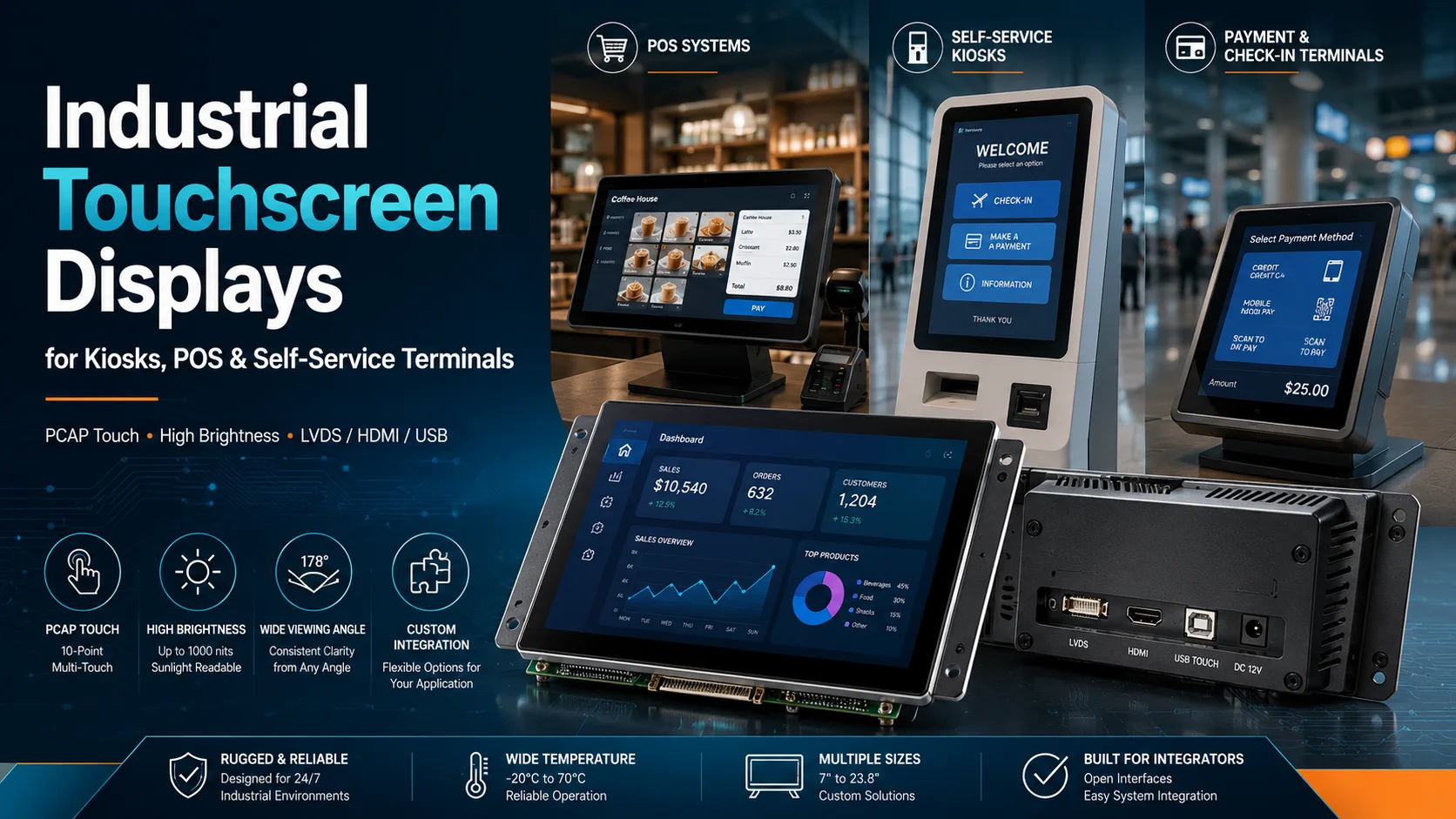
In many kiosk and self-service terminal projects, the user never sees the controller board, cable harness, or internal structure. The display is the part they touch, read, and judge. A delayed touch response, washed-out image, or cracked cover glass can make the whole terminal feel unreliable.
A kiosk touch display used in retail, ticketing, payment, vending, or healthcare environments needs steady image output and predictable touch behavior. For POS touchscreen display projects, the requirements are often different. The screen may be smaller, but response speed, easy cleaning, and long daily operation become more important. This is why TFT touch display selection should be handled together with enclosure design, interface planning, and software testing.
A countertop POS terminal usually needs a compact display that saves space and gives the cashier a clear viewing angle. A wall-mounted information kiosk needs a larger display area because users may stand farther away. A floor-standing self-service kiosk may use a 15.6-inch, 21.5-inch, 27-inch, or larger touch display, depending on the user interface, viewing distance, and cabinet design.
Kadi Display’s product structure covers TFT-LCD modules, TFT-Touch displays, monitor displays, bar type displays, embedded solutions, tools and accessories, and customized display products, which gives OEM and ODM buyers several options when the project moves from concept design to sample testing.
PCAP touch display technology is often preferred for modern kiosk and POS terminal designs because it supports a flat front surface and smooth interaction. However, a good touch result depends on more than the touch sensor itself. Cover glass thickness, touch controller, bonding structure, grounding, front-panel pressure, and the selected touch interface can all affect final performance.
For a self-service terminal display, the touch panel should be tested after the screen is assembled into the actual enclosure. A panel that works on the bench may behave differently behind thick glass, near a metal frame, or inside a poorly grounded cabinet. Kadi’s TFT-Touch category includes I²C and USB touch interface options, which are common in embedded terminal projects and POS machine integration.
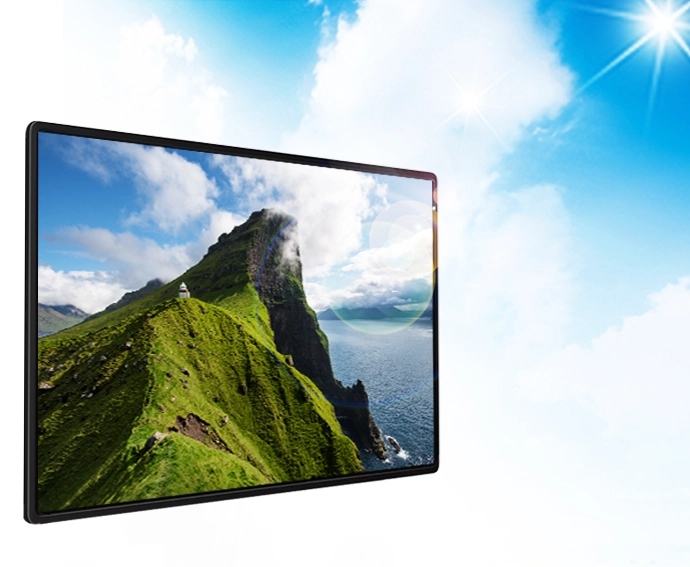
A touch display for payment terminal use inside a store may work well with moderate brightness. An outdoor kiosk display near a window, fuel station, ticketing area, or parking payment machine usually needs stronger backlight performance and lower reflection. Brightness alone is not enough. Viewing angle, optical bonding, anti-glare treatment, cover glass reflection, and installation angle all change how the screen looks in real use.
Kadi’s TFT-Touch product range includes high brightness touchscreen display options. For example, its 27.0-inch 1920×1080 LVDS touch display is listed with 1200 nits brightness, while a 15.6-inch 1920×1080 LVDS touch display is listed with 1000 nits brightness and AG+AR+AF treatment. These specifications are relevant for sunlight readable touch display projects, outdoor kiosk display designs, and public information terminals where visibility is a major concern.
Interface selection often decides whether a sample can move forward quickly. LVDS touch display products are commonly reviewed for industrial display modules where stable signal transmission matters. MIPI DSI touch display options may fit compact embedded systems. HDMI, DP, and USB-C can be useful for monitor-style terminals or development-friendly systems.
Kadi’s TFT-Touch category supports interface options including SPI/QSPI, RGB, LVDS, MIPI DSI, eDP, USB-C, HDMI, and DP. The same category also includes size filters from 4.3 inch to 37.0 inch and brightness options above 800 cd/m², giving buyers room to match the display to different kiosk, POS, and self-service terminal designs.
Before ordering samples, the engineering team should confirm resolution, video interface, touch interface, connector type, cable length, power supply, driver support, and installation direction. These details are often where delays begin.
A custom touchscreen display is often needed when a standard module does not match the terminal structure. Public-use equipment may require a thicker cover glass, anti-glare surface, optical bonding, special FPC direction, or a specific connector position. If these details are discussed after cabinet tooling, the project can lose weeks.
For kiosk display mechanical design, the front opening, bezel tolerance, cable exit, screw position, sealing structure, and cleaning method should be reviewed early. A self-service kiosk in a restaurant is not used the same way as a medical check-in terminal or parking payment machine. The display structure should match the real location.
Before requesting a TFT touch display sample, buyers should prepare the screen size, resolution, brightness target, touch type, video interface, touch interface, operating temperature, cover glass requirement, FPC direction, connector type, mechanical drawing, optical bonding requirement, and expected order plan.
For B2B projects, long-term supply should also be discussed before approval. A sample that works once is only the first step. POS terminal manufacturers, kiosk builders, and embedded system integrators usually need repeatable quality, stable documentation, and consistent production batches.
Shenzhen Kadi Display Technology., Ltd. is a professional industrial TFT LCD display manufacturer based in Shenzhen, China. The company focuses on TFT LCD display modules and custom display solutions for industrial control, embedded systems, medical equipment, and outdoor applications.
Kadi Display has more than 20 years of industry experience and provides OEM/ODM support for customer-specific display projects. Its quality process is listed with ISO9001, ISO14001, ISO13485, and IATF16949, while the company positions its product range across TFT LCD, AMOLED, touchscreen, embedded display, and customized display solutions.
For kiosk, POS, and self-service terminal manufacturers, this means Kadi Display can support display selection, interface matching, touch integration, cover glass design, optical bonding, and custom TFT touch display development from early sample review to production planning.
Choosing industrial touchscreen displays for kiosks, POS, and self-service terminals should start from the real terminal environment. Size and resolution matter, but they do not decide the whole result. Touch behavior, brightness, viewing angle, interface, cover glass, enclosure fit, grounding, cable routing, and supplier support all affect whether the terminal works reliably in public use. A well-matched TFT touch display can reduce redesign risk, improve user experience, and support steadier long-term production.
Q1: How do I choose an industrial touchscreen display for a kiosk?
A: Choose an industrial touchscreen display by reviewing the kiosk type, screen size, brightness, touch technology, video interface, touch interface, cover glass, mounting structure, and installation environment. Outdoor or semi-outdoor kiosks should also be checked for sunlight readability and reflection control.
Q2: What is the best TFT touch display for a POS terminal?
A: The best TFT touch display for a POS terminal depends on counter space, software layout, mainboard output, and daily operating time. A stable PCAP touch display with a suitable USB or I²C touch interface is often a practical choice for modern POS touchscreen display projects.
Q3: Do self-service terminals need high brightness touchscreen displays?
A: Self-service terminals used indoors may not need very high brightness, but outdoor kiosks, payment terminals, and window-facing machines often require high brightness touchscreen displays. Viewing angle, optical bonding, and cover glass reflection should be checked with the brightness value.
Q4: Why does my kiosk touch display fail after installation?
A: A kiosk touch display may fail after installation because of cable stress, connector conflict, poor grounding, excessive cover glass thickness, unsuitable touch controller settings, or mechanical pressure from the enclosure. Final assembly testing should be done before mass production.
Q5: What information should I send before ordering a custom touchscreen display?
A: Send the screen size, resolution, brightness target, video interface, touch interface, cover glass requirement, FPC direction, connector type, mechanical drawing, installation environment, and estimated order quantity. This helps the supplier recommend a custom TFT touch display that fits the project.


